Know the Roads Before Your Pennsylvania Driving Test
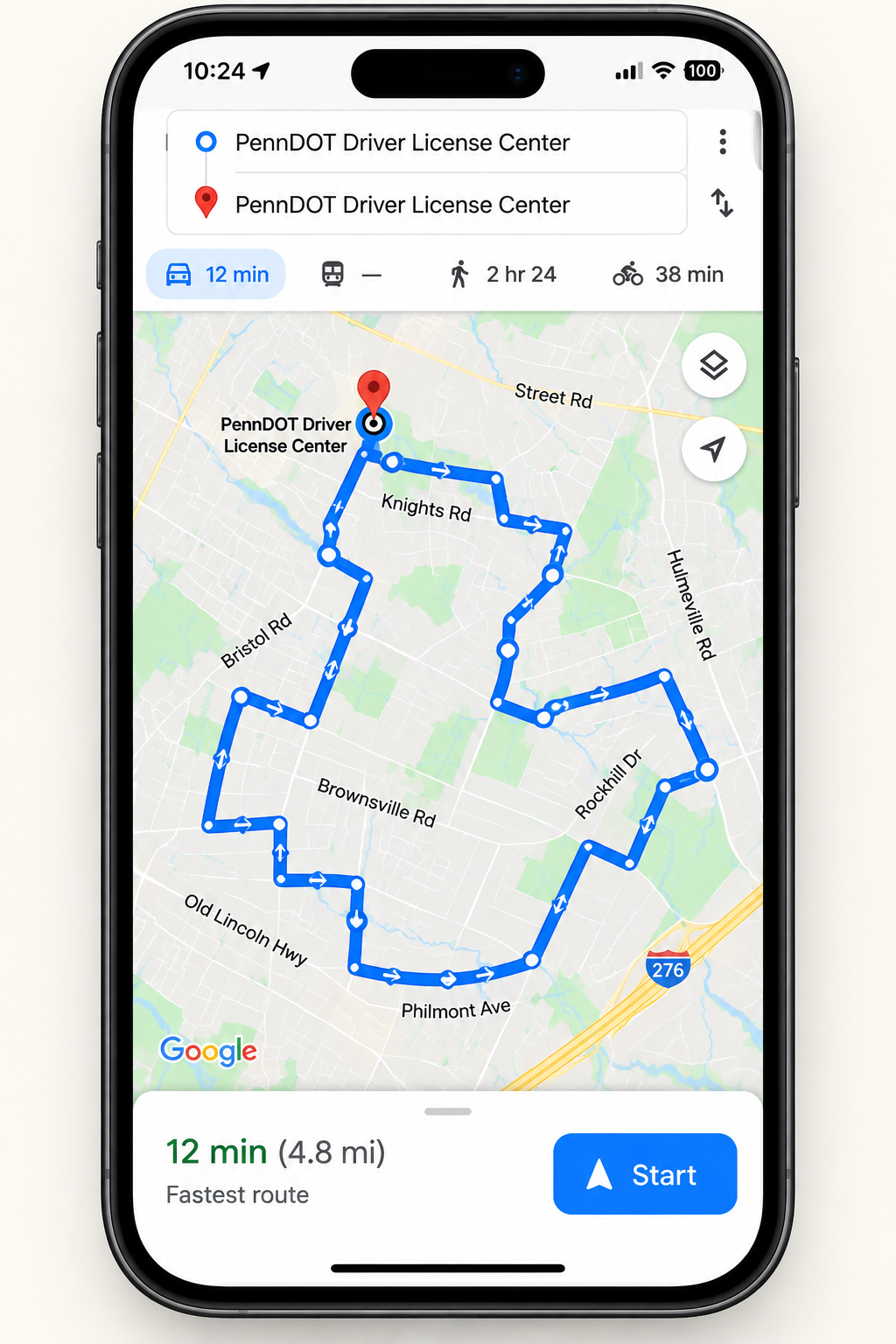
Get 8 driving test routes for your local PennDOT test centre, with Google Maps GPS navigation and 8 printable road maps.
Driving test routes supplied by local driving instructors with knowledge of the test route areas.
Everything You Get for $19.99
8 GPS Routes
Open your driving test routes directly in Google Maps and follow GPS navigation.
8 Printable Maps
Clear road maps for your selected test location to view or print.
2 Bonus Books
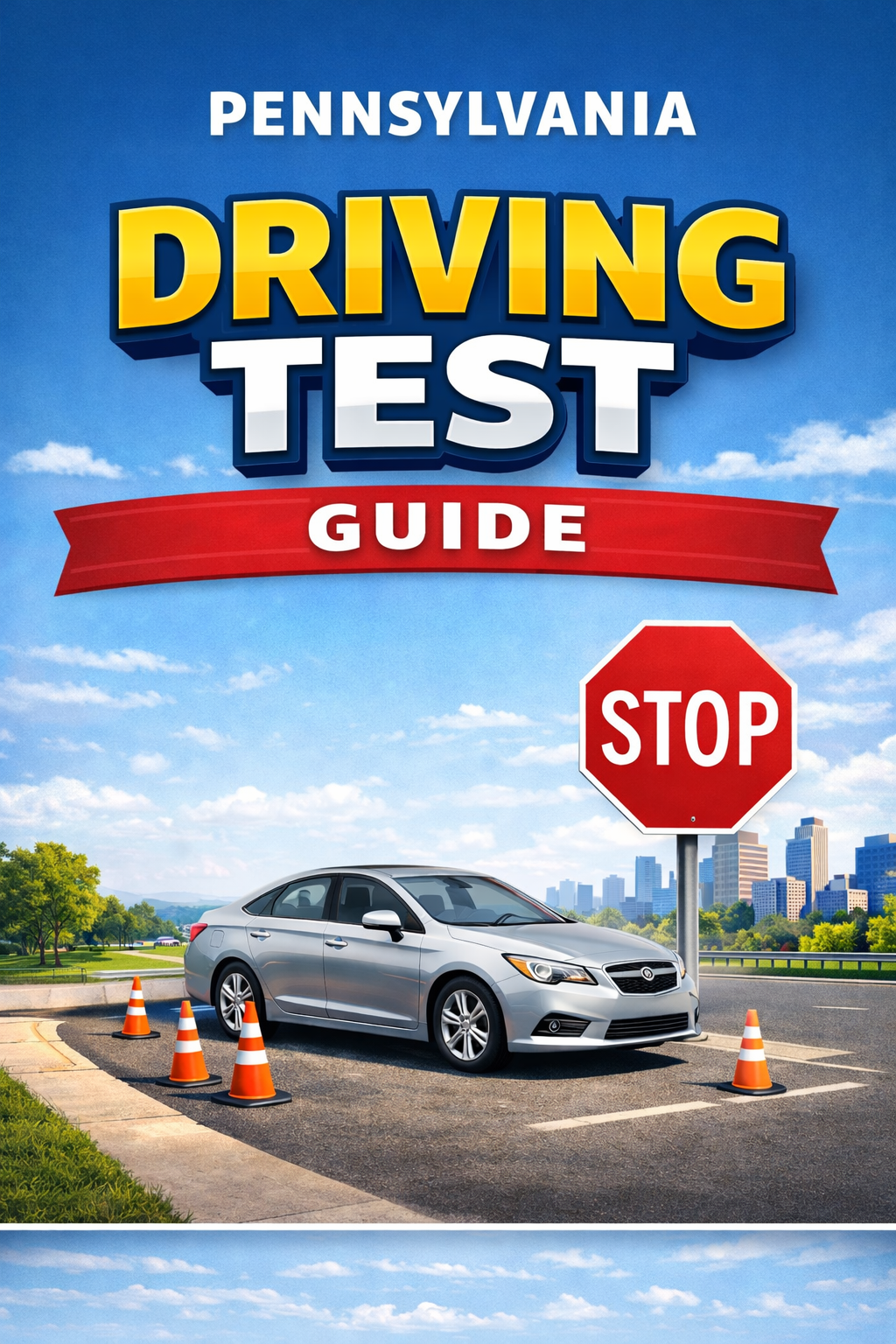
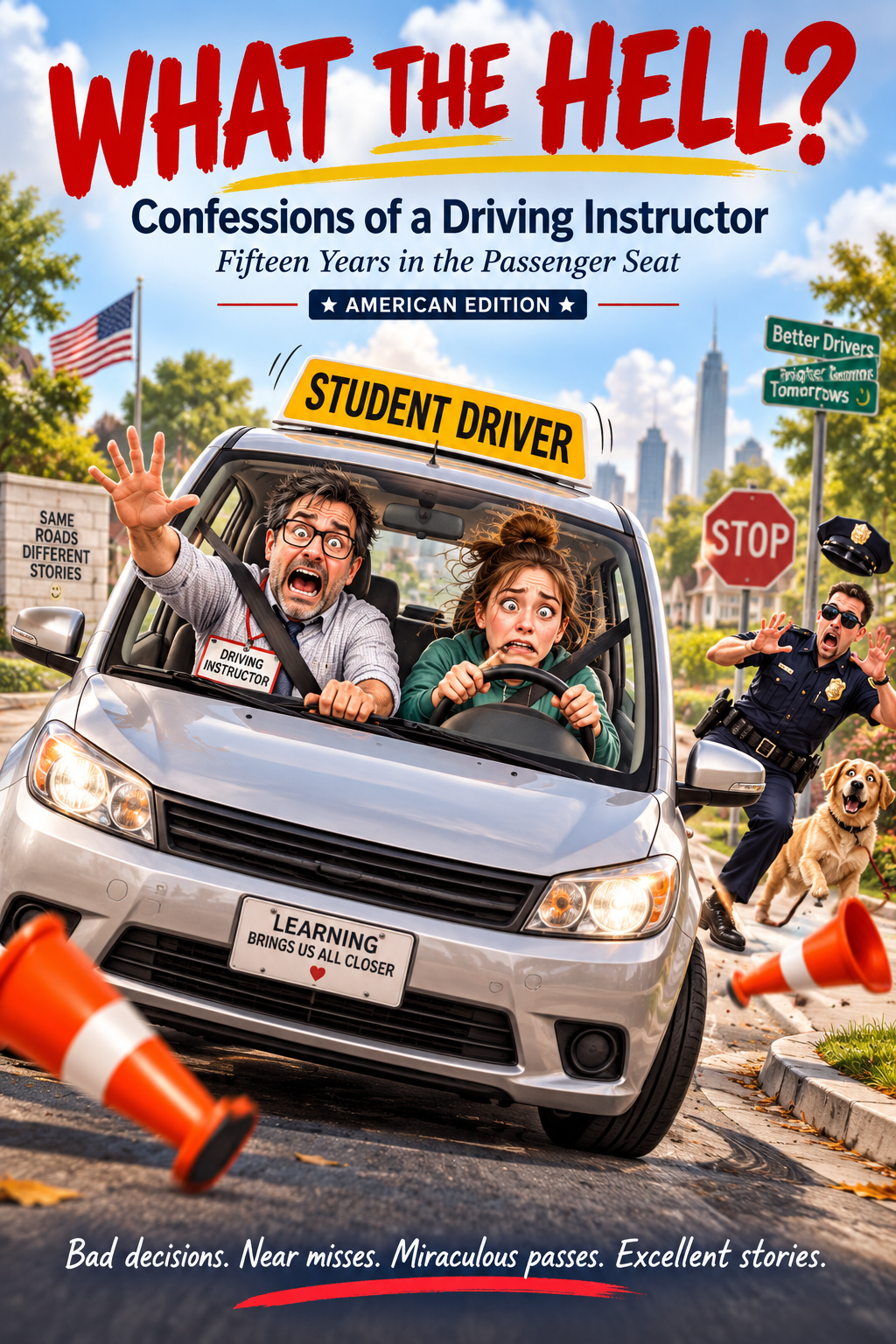
The Pennsylvania Driving Test Guide plus our 114-page driving instructor book.
Instant Access
Get access after purchase and keep permanent access to your downloads.
See What You Get
From Purchase to GPS Navigation in Minutes
Find Your Pennsylvania Test Centre
Browse Driving Test Routes by Pennsylvania Region
Start with your area, then choose your PennDOT test centre.
Choose your PennDOT test centre below. Each location links directly to its driving test routes page, making it quick to find your local routes.

Local Knowledge Matters
Our driving test routes are supplied by local driving instructors with knowledge of the test route areas.
Knowing the roads around your test centre helps you become familiar with the types of junctions, turns, road layouts and local conditions you may encounter before test day.
Two Bonus Books Included
Every location package includes the Pennsylvania Driving Test Guide and our 114-page American Edition driving instructor book at no extra charge.
Frequently Asked Questions
What do I receive?
You receive 8 driving test routes for your selected location with Google Maps GPS navigation, 8 printable road maps and two bonus books.
How do the Google Maps routes work?
Open the route link from your download while you are at the test centre, start navigation and follow the GPS directions.
When do I get access?
Access is available after purchase and your downloads remain available for future use.
Are the routes the same for every location?
No. Each package is for the specific Pennsylvania test location you choose.
Who supplies the routes?
Driving test routes are supplied by local driving instructors with knowledge of the test route areas.
Pennsylvania Driving Test: What to Expect
Knowing the road test process before test day can help you arrive prepared and concentrate on safe, controlled driving.
Vehicle Control
Expect to demonstrate smooth steering, braking and acceleration while maintaining proper control of the vehicle.
Observation
Use mirrors, check blind spots, watch signs and road markings, and show that you are aware of other road users.
Junctions & Turns
Approach intersections at a suitable speed, signal correctly, choose the correct position and complete turns safely.
Parking & Manoeuvres
Be ready to demonstrate the manoeuvres requested by your examiner with good observation and vehicle control.
Preparing for Your Pennsylvania Road Test
Before You Leave
Check your appointment details and make sure you have the documents required for your test. Give yourself enough time to arrive without rushing.
Check the Vehicle
Make sure the vehicle you take is safe and ready for the test. Check lights, signals, mirrors, tires and other basic controls before travelling to the centre.
Know the Test Area
Spend time driving on the local roads around your selected test centre. Our location packages give you 8 driving test routes with Google Maps GPS navigation and 8 printable road maps so you can become familiar with the surrounding road layouts and junctions.
FIND YOUR TEST CENTRECommon Driving Test Mistakes to Avoid
Observation Errors
Do not rely on a quick glance. Make your mirror and blind-spot checks clear and timely, particularly before moving off, changing direction or changing position.
Speed Choice
Watch posted limits and adjust your speed for traffic, visibility, junctions and road conditions. Avoid both unnecessary speeding and driving too slowly without reason.
Signals & Position
Signal with enough notice and use the correct road position for turns. Avoid late signals or drifting across lanes.
Rushing Decisions
At intersections, stop signs and busy roads, take enough time to observe properly and move only when it is safe.
Driving Test Videos & Learning Resources
Use video demonstrations alongside time behind the wheel to reinforce observation, junction approach, parking, vehicle control and other road-test skills.
Road Test Preparation
Review the skills you may need to demonstrate and think through the correct observation routine before each manoeuvre.
Parking & Manoeuvres
Video demonstrations can help you understand reference points and technique, but repeat the manoeuvre safely in the car until the sequence feels natural.
Junctions & Intersections
Look for demonstrations that explain approach speed, observation, right-of-way decisions, signals and positioning.
Local Route Familiarity
Combine learning videos with your 8 Google Maps driving test routes so you can apply the techniques on roads around your selected test centre.
More driving-test video guides can be added here as the Pennsylvania resource library grows.
Test-Day Checklist
Before the appointment
Confirm the centre and appointment details, prepare the required documents, check the vehicle and plan enough travel time.
During the test
Listen carefully to the examiner's directions, continue to observe properly, maintain safe spacing and make controlled decisions. If you do not hear an instruction, ask for it to be repeated rather than guessing.
More Pennsylvania Driving Test Questions
Should I drive around the test-centre area before my test?
Familiarity with the local road layout can make it easier to concentrate on your driving. Use the time to practise observation, positioning, speed control and junction routines rather than trying to memorise one journey.
What if I make a mistake during the test?
Stay focused on the road and continue driving safely. Do not let one mistake distract you from the next instruction or traffic situation.
How should I use the 8 driving test routes?
Go to your selected test centre, choose a route, open it in Google Maps and follow the GPS directions. Use the routes to become familiar with the types of local roads, turns and junctions around the test area.
Can I print the routes instead?
Yes. Each location package also includes 8 printable road maps, so you can review the route away from your phone or use the maps alongside the Google Maps GPS links.
Find Your Test Centre and Get Your 8 Routes Today
Google Maps GPS routes + 8 printable maps + 2 bonus books. $19.99 with instant access.
FIND MY TEST CENTREPrefer the app? The Pennsylvania Test Routes App is still available, but our downloadable location packages give you the complete GPS, printable map and bonus-book bundle.