South 70th Street PennDOT
Driving Test Routes
Get 8 driving test routes for the South 70th Street test area, with Google Maps GPS links and printable road maps.
00 : 00 : 00
Instant access after purchase.
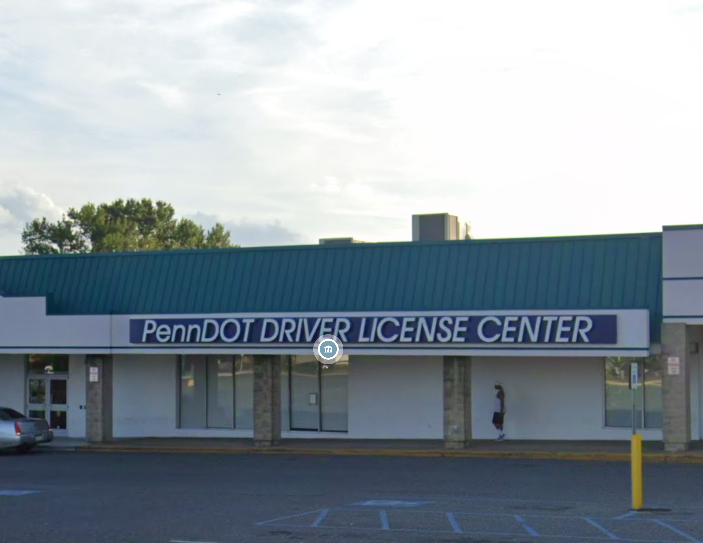
Everything You Get for $19.99
Your complete South 70th Street route pack gives you four useful downloads for learning the test-area roads.
See What You Get
The South 70th Street pack combines printable route maps with a separate Google Maps GPS document containing clickable links for all eight routes.
That means you can look over the route first, then go to the test center, open the route link on your phone and follow the directions in Google Maps.
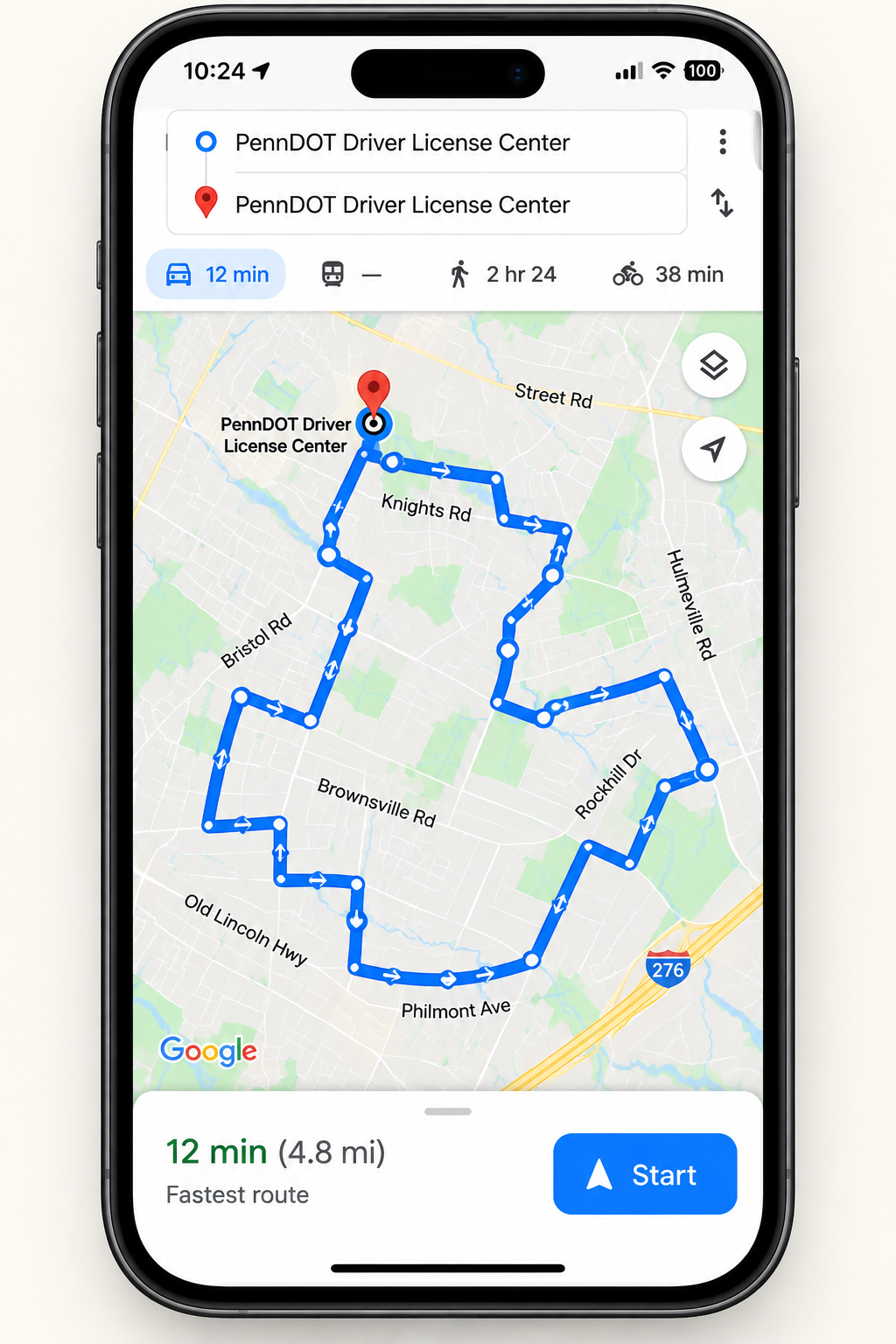
How to Use Your South 70th Street Driving Test Routes
Go to the Test Center
Start at or near the South 70th Street PennDOT test location so you begin from the correct area.
Open a Route
Open your Google Maps GPS PDF and tap the link for the route you want to drive.
Follow Google Maps
The route opens on your phone. Start navigation and follow the directions around the route.

Supplied With Local Driving Instructor Knowledge
The driving test routes are supplied by local driving instructors with knowledge of the test route areas.
The aim is simple: give you a structured set of routes around South 70th Street so you can spend more time becoming familiar with the local road environment and less time deciding where to drive.
8 South 70th Street Driving Test Routes
Choose a different route each time or repeat a route until the road layout feels more familiar.
Preparing Around South 70th Street
Southwest Philadelphia gives new drivers a useful mix of neighborhood streets, junctions and busier urban traffic. These eight routes give you a clear plan for becoming familiar with the roads around the South 70th Street test area.
Use the printable maps to understand the shape of each circuit, then use the Google Maps links when you are ready to drive. Repeating different routes can help you pay more attention to road signs, lane position, junction approach and traffic conditions instead of being surprised by the area itself.
Frequently Asked Questions
Get All 8 South 70th Street Driving Test Routes
Google Maps GPS routes + printable maps + two bonus books.
00 : 00 : 00